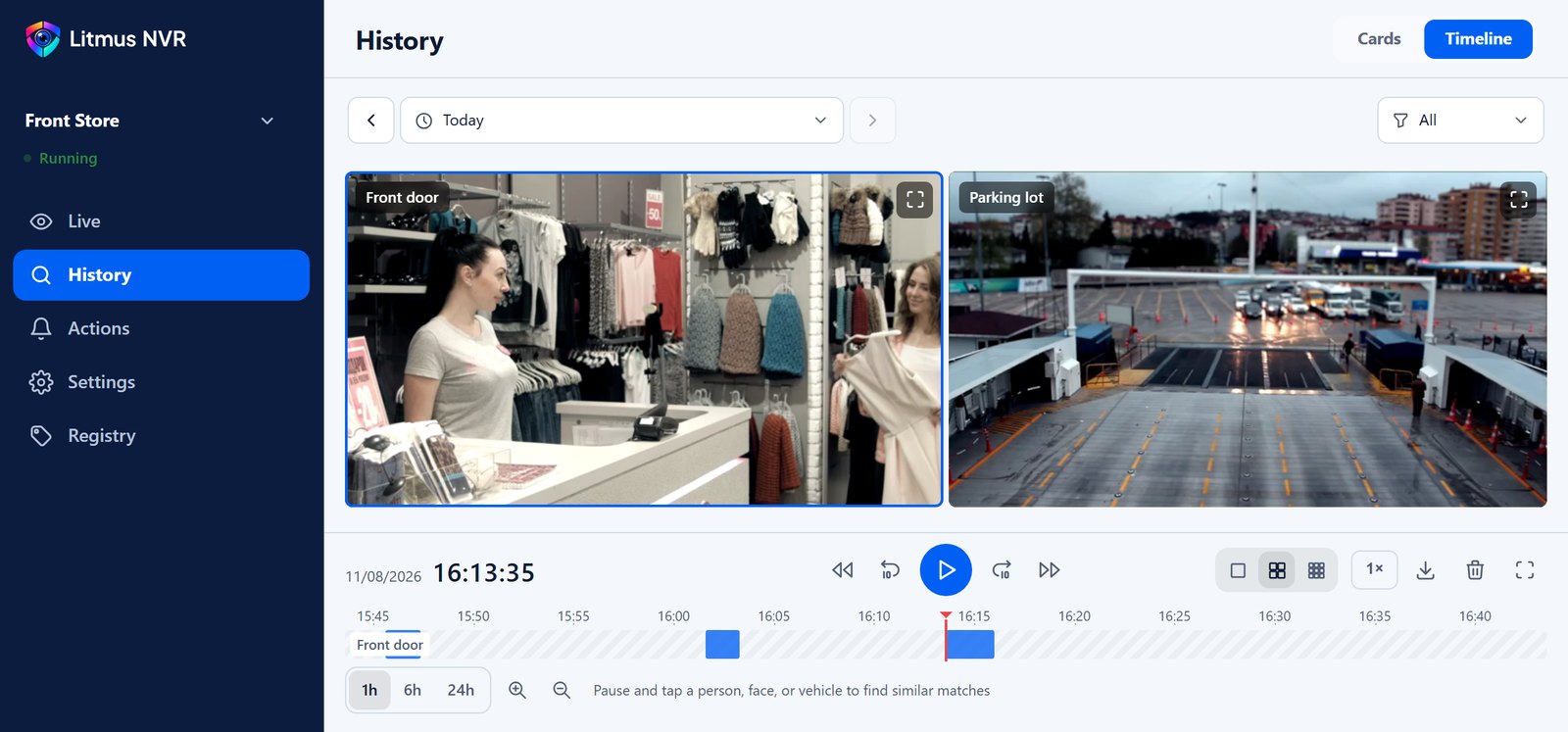
Stop scrubbing CCTV footage.
Search it.
Litmus NVR is free AI video recording software for the cameras you already have. It records your cameras, organizes every person, vehicle, and animal they capture, lets you follow anyone across cameras or search by face and license plate, and runs actions like phone alerts or a siren when something is detected.
Free for local use · No credit card · Unlimited cameras
Pick a person or vehicle
and see their path across every camera
Front door at 19:04, checkout at 19:06, stockroom at 19:11. See when and where on a single screen.
Start with whatever you remember
Find people by appearance, face, text, or attributes. Every scene they appear in, from every camera, comes together in one place. Find vehicles by appearance, text, or license plate, even a partial one. Find animals by appearance or text.
Search by appearance
Match a person by clothing, build, and what they carry, even when their face isn’t visible.
Click a person in the frameSearch by face
Find every other scene with the same face. No enrollment needed.
Pause the video and click a faceSearch by text
Type a description like “person in a blue jacket” and get matching scenes.
Describe it in your own wordsSearch by attributes
Filter by clothing color, bag, hat, glasses, or age group. Combine as many as you need.
Choose only what you knowChoose what to detect
and what happens next
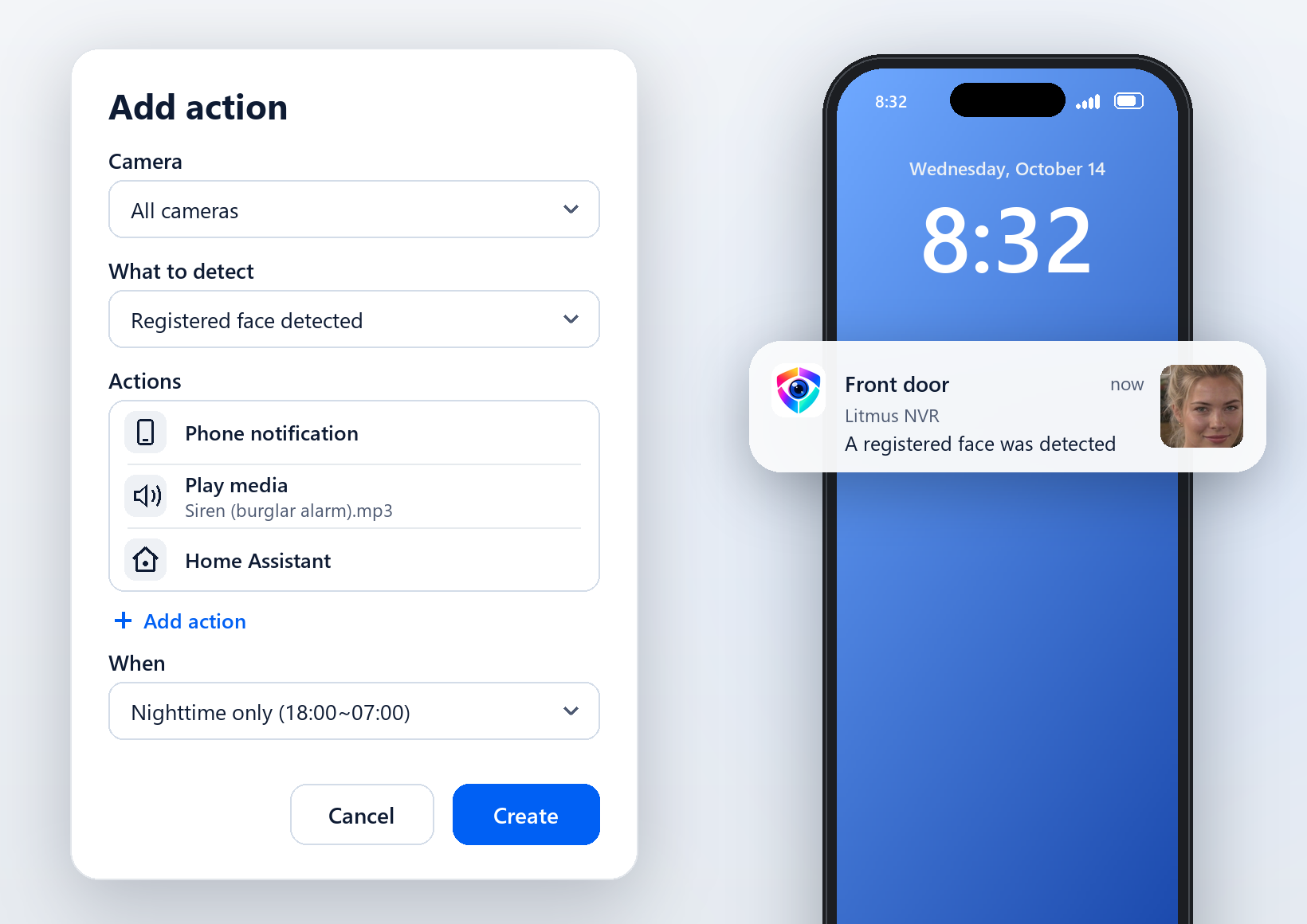
Pick the cameras, what to detect, and the hours. When it appears, every action you added runs at once.
- What it detectsPeople, registered or unregistered faces, registered or specific vehicles, animals such as dogs and cats, anything you describe in your own words, like “person in a red top,” and sounds such as breaking glass or a smoke alarm.
- Phone and messagesPhone notifications with a snapshot, Telegram, and webhooks to other services.
- Sound on sitePlay a siren or other media, or read a sentence aloud, through the speaker on your device.
- Smart homeSwitch Zigbee plugs and sirens, or send detections to Home Assistant.
Free on your network,
on your phone when you’re away
Local use
Default- No account, no subscriptionOpen it in a browser on any PC or phone on the same network.
- Records offlineAfter a one-time AI model download, recording continues without internet.
Remote access
Optional- Mobile app and webWatch live video and recordings from anywhere with a Litmus account.
- No port forwardingConnects directly and for free on most routers, with no setup.
- Phone alertsAdd the device to your Litmus account to get detection alerts on your phone.
Plans differ only in relay server and cloud storage allowances. Pricing
Connect the cameras
you already use
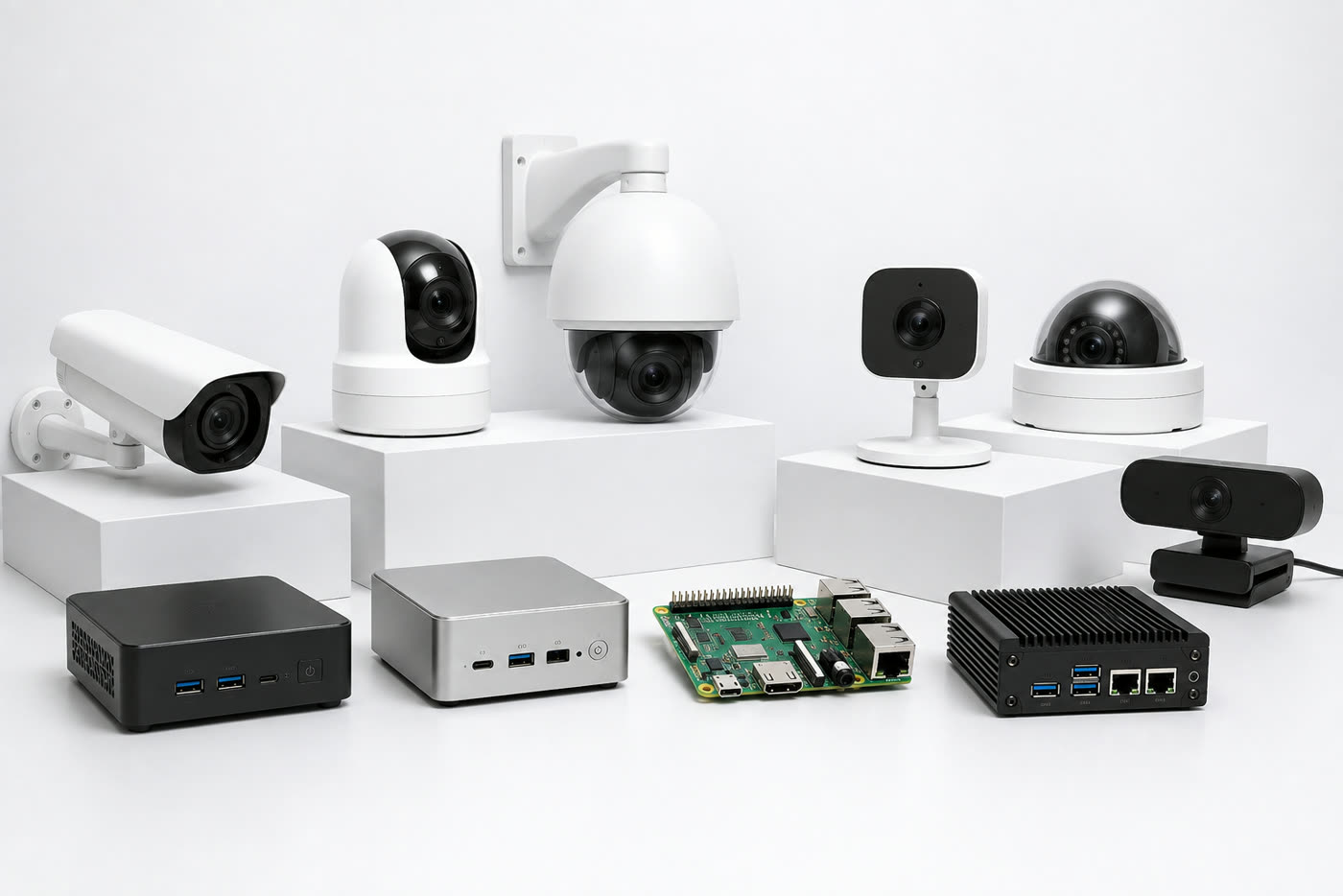
Connect IP cameras, existing NVRs (RTSP, ONVIF), and USB webcams. Install on a Windows PC, a Mac, Linux, or a Raspberry Pi. It also runs in Docker or as a Home Assistant add-on.
- Guided setupChoose recognition features, add cameras, and start, step by step on one screen.
- No NVR or server neededLitmus NVR records on your own hardware.
- Automatic camera discoveryONVIF cameras on your network appear in a list, ready to add.
Frequently asked questions
Is it hard to set up?
No. After installing, follow the steps in your browser to add cameras. ONVIF cameras on your network are found automatically.
Do I need a Litmus account?
No. On your network, every feature works without an account. Add the device to a Litmus account only if you want to watch from outside in the mobile app or at app.litmusnvr.com, or get phone alerts.
Can I use it without internet?
Yes. On your local network, recording and search work without internet. The AI models need a one-time download.
Is my video stored in the cloud?
No. Video and AI analysis stay on your own device. When you watch in the app, video is encrypted in transit and never stored along the way. Only the photo attached to a phone alert passes through Litmus servers so the alert can be delivered.
Is it really free?
Yes. Every feature is free. On most home and office routers, your phone connects directly to your device and viewing is unlimited. Plans differ only in the relay server allowance, used when a direct connection isn’t possible, and cloud storage for alert photos. See Pricing.
Can it record 24/7?
Yes. For each camera, choose Always (continuous 24/7 recording) or When detected (records only while a person, vehicle, or animal is detected). The default is When detected. Continuous recording uses much more storage, and the oldest footage is deleted first when space runs low.
Do I need a separate NVR?
No. Litmus NVR does the recording. If you already have an NVR, you can also connect its video stream (RTSP) and use both.
How long is footage kept?
Choose 7, 14, 30, 60, 90, or 180 days. Anything older is deleted automatically.
Do I have to turn on face recognition?
No. Face recognition is off by default. Person detection and appearance, text, and attribute search all work without it.
How many cameras are supported?
It depends on your hardware. An Intel N100 mini PC typically handles 1 to 2 cameras, a 12th-gen Core i5 PC 5 to 6, and an Apple M2 Mac 12 to 14. A graphics card lets the same PC handle more cameras. See Recommended Hardware.