Turning On Face Recognition
Face recognition is off by default.
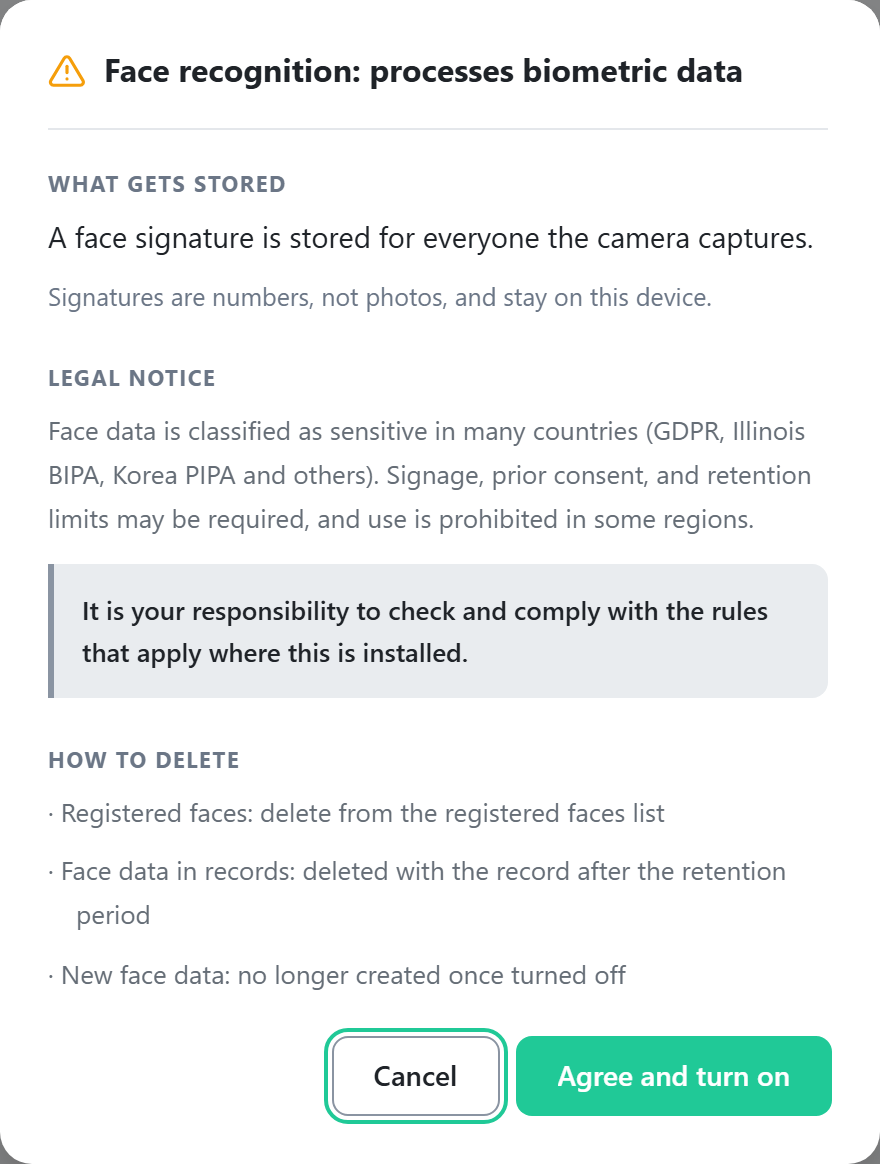
Caution: biometric data is processed
With face recognition on, a face signature is stored for everyone the cameras
capture. Signatures are numeric data, not photos, and are stored only on the device.
Many jurisdictions classify face data as sensitive information (for example, GDPR, Illinois BIPA, and Korea's PIPA). Signage, prior consent, and retention limits may be required, and use is prohibited in some regions. You are responsible for verifying and complying with the regulations that apply at the installation site.
Many jurisdictions classify face data as sensitive information (for example, GDPR, Illinois BIPA, and Korea's PIPA). Signage, prior consent, and retention limits may be required, and use is prohibited in some regions. You are responsible for verifying and complying with the regulations that apply at the installation site.
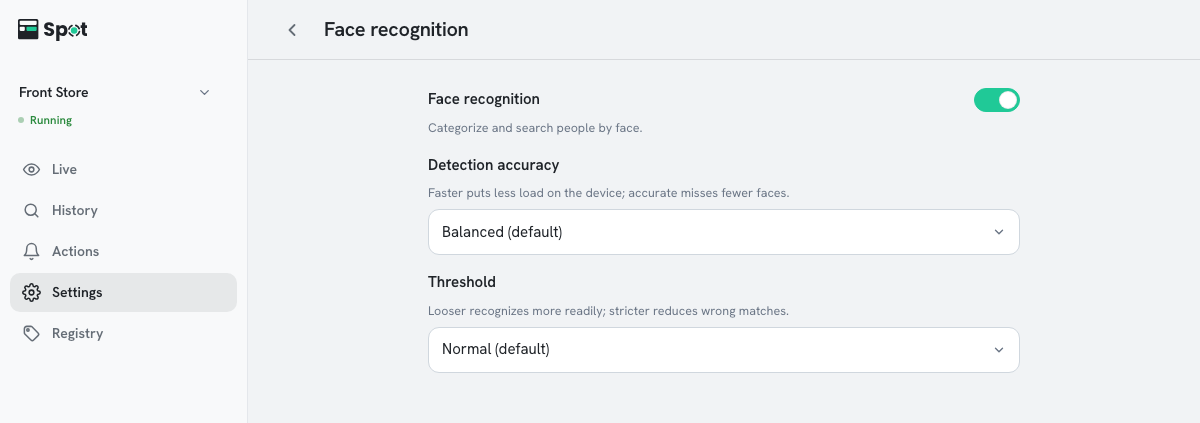
- On the Settings tab, click the Face recognition row.
- Turn on the switch at the top. A privacy notice is shown.
- Review the notice and click Agree and turn on.
- Click Save on the save bar at the bottom of the screen. The setting applies to all cameras in the place.
Next, register faces.
| Setting | What it does | When to change |
|---|---|---|
| Detection accuracy | The precision of the analysis that finds faces. Higher precision misses fewer faces but puts more load on the device. | Accurate when the device has headroom |
| Threshold | How closely a face must match a registered person to be recognized. | Strict if people are mistaken for each other |
Note
Face data is included only in recordings saved after the feature is turned on. Faces
from earlier recordings cannot be registered or searched by face.
Options and defaults for each setting
- Detection accuracy: Fast, Balanced (default), or Accurate.
- Threshold: Loose, Normal (default), or Strict.
- Minimum face size: Faces smaller than 48px are not recognized. On device software 2.1.3 or earlier, this setting is shown with Slightly smaller (60px), Normal (80px, default), Slightly larger (96px), or Large faces only (112px).
Turning face recognition off
Items with a face condition are paused and resume when you turn face recognition back on. Registered faces are not deleted while it is off.