Disconnecting Home Assistant
- In the Connected list in Settings > Integrations, click Disconnect on the Home Assistant you want to disconnect.
- Click Disconnect in the confirmation window.
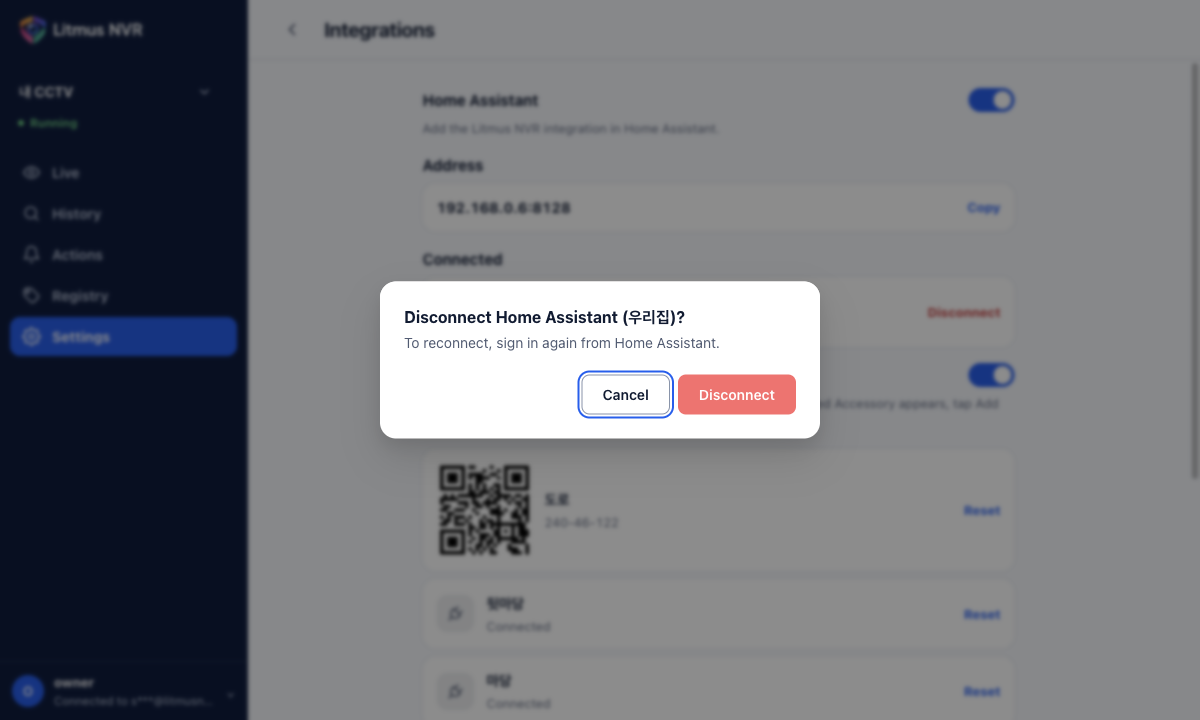
Use the Last used time in the list to find connections that are no longer in use. To reconnect, sign in again from Home Assistant. Deleting the integration in Home Assistant also disconnects it. Turning off the Home Assistant switch makes the Litmus devices unavailable in every connected Home Assistant; turning it back on reconnects them automatically.