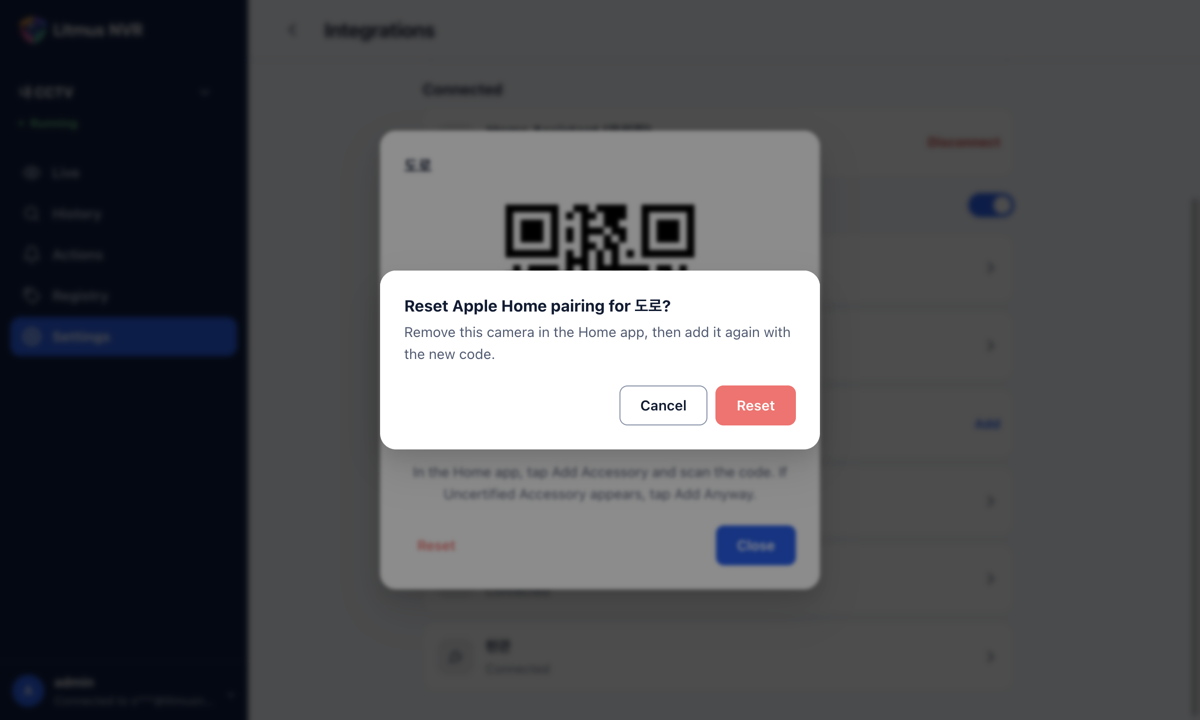
Resetting the Apple Home pairing
If you deleted a camera in the Home app and cannot add it again, or want to add it to a different home, reset that camera's pairing.
- In the Apple Home list in Settings > Integrations, click the camera, then click Reset in the window.
- Click Reset in the confirmation window. The window shows a new QR code and setup code.
- Delete the camera in the Home app, then add it again with the new code.